Show Posts

This section allows you to view all posts made by this member. Note that you can only see posts made in areas you currently have access to.


Messages - pajam

Pages: [1] 2 3
1
As of this writing, there is no formal rule written in the style guide for what specific entry art should be supplied to digital game entries, so this is an unwritten rule for the time being.

Thanks for clarifying.

I already knew there was no official rule; I checked thoroughly just the other day (including bookmarking that exact link you provided so I can easily check up on it later if need be), just in case there had been any official ruling or clarification before I started adding more listings or editing others. That's why I used our interaction last time to guide me, since that's the only official statement I have seen regarding it. When told "ideally... it should be this way" then I will try to go to the extra effort to handle it that way if I can. Especially since the style guide is usually incredibly specific on doing things a very particular "right way" so if something is said to be the "ideal," I'll try to help in contributing to that "ideal" process if I can, when it's not an unrealistic hurdle for me to do so.

Especially b/c we ended that interaction with you at least showing some form of curiosity in my method for confirming the official listings in the Wayback Machine:

How do you easily determine which results link found on Wayback Machine actually represents the store page so that art can be confirmed?

which I guess led me to incorrectly assume there was an official desire to confirm the "official" cover art or product listings if possible. So I felt it was still worth my time to attempt to use the accurate cover art when making edits or adding new listings.


Anyway, since our last discussion was specific to the now unavailable marketplace.xbox.com - where the official 360 store online listings (that included Description/ReleaseDate/Publisher/CoverArt) can no longer be publicly accessed, other than through https://web.archive.org/ backups. Meaning, accessing or confirming the official listings and art requires a much trickier method, and so in that case, I 100% understood the hurdle something like that would impose on the general user or mod to find or confirm the official accurate data. 

However, in regards to my post right now - related to Nintendo and the Switch eshop - none of that is the case. So I wasn't expecting such a hurdle here  :(
As of now you do not need specific hardware (like the console) to confirm/see the actual "Cover Art" on Nintendo's website. It is publicly visible for everyone (not just owners of the game/console). While people who've actually bought the games can find the same cover art images on the website under "Order history" or "Virtual Game cards," everyone else can publicly see the exact same art online too. The same image used as the official "Cover Art" on the console, is the image that Nintendo uses for all the "thumbnail" images all over their website:

  • Seen while Browsing Games:
     
  • Seen under "More Like This" or "Recently Viewed" 
       
  • Seen on the "Top store products" 
       
  • Seen on the contents lists of "Bundles" 
       
  • etc.

So I just figured this console/system wasn't quite the same in regards to an "unrealistic hurdle" as the inaccessible 360 marketplace product listings. Especially b/c at the end of the day, I assumed that it wasn't an unrealistic hurdle to look at the bulk of 2,602 listings in the category here on VGCollect, and see the majority are consistently using the square image format, and use that observation as pretty good evidence to make the assumption it is likely the accurate format for these games.

Meh, I'm just usually a stickler for keeping my collection consistent and/or "technically correct" if I can manage it, and that's one of the reasons I've loved VGCollect in having very specific listings for niche versions of different physical games, and having very specific style rules for how to list and organize such games. So it can get frustrating seeing some of that effort get reverted in less than consistent manners, so I figured it's always worth coming to the forums to plead my case, and document my sources, and share links, and examples, to methods others (users and moderators/staff) can use to find, collect, or vet the data as well... in case they were actually curious to do so.

At the end of the day, that's all I can do, so I suppose no worries from here on out with this one. I'll just stop putting in the effort.

2
Rejected Edit Question:

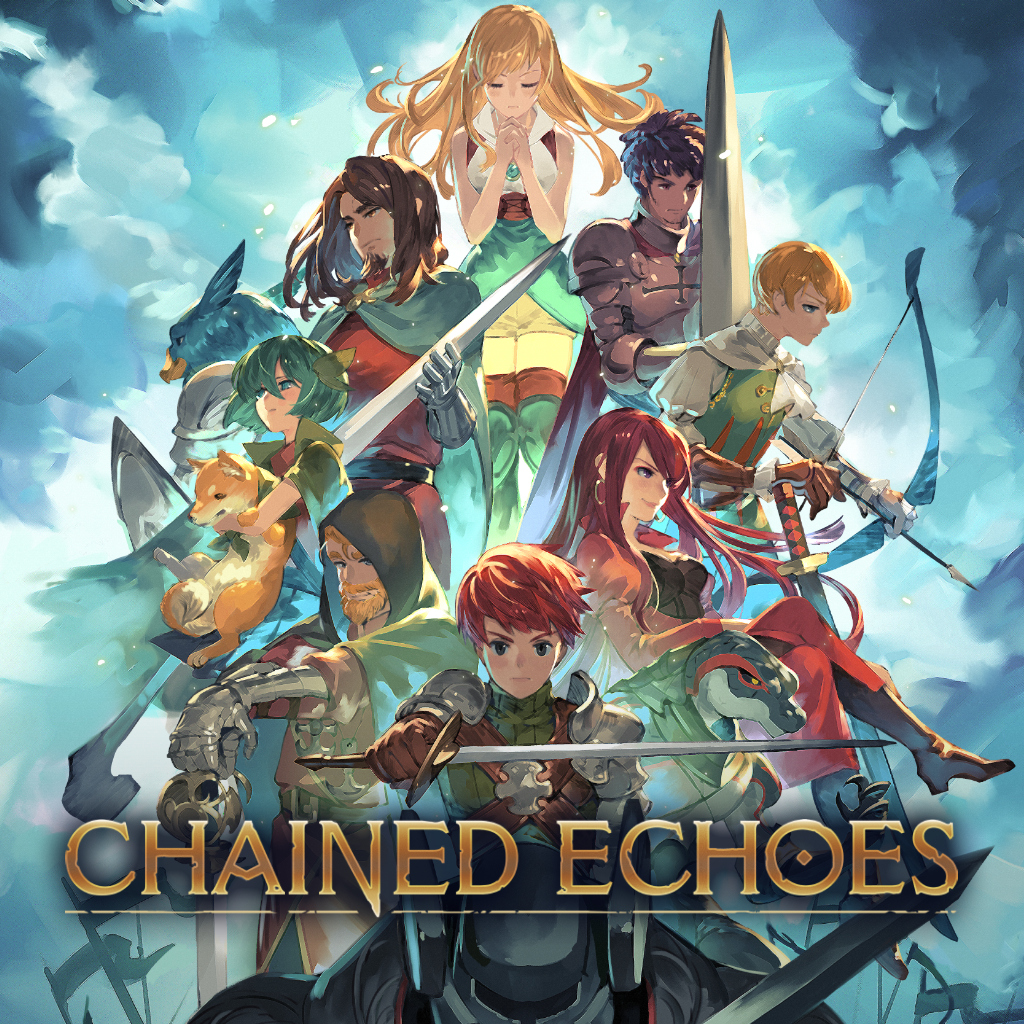
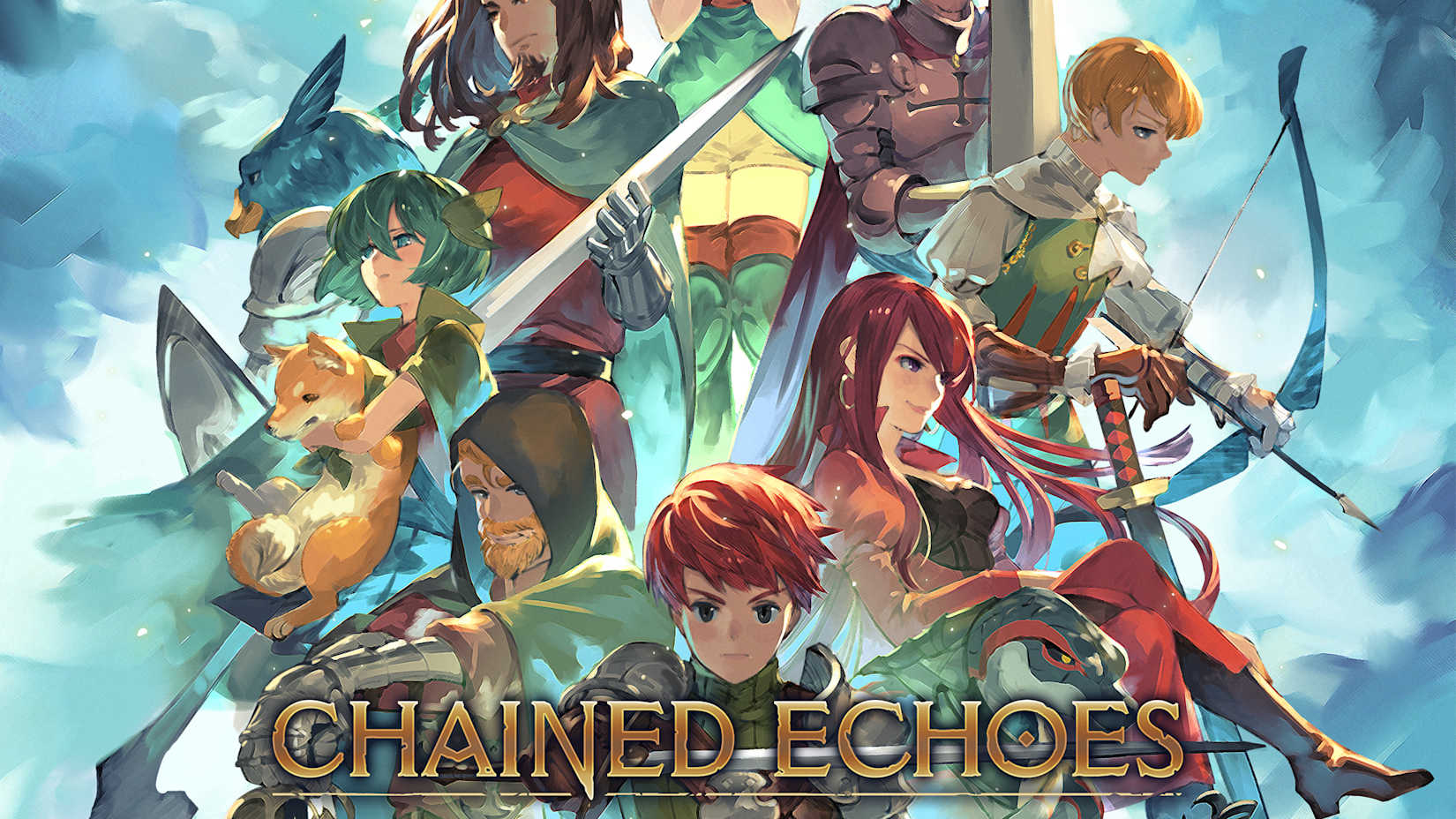
I attempted to update the Cover Art image for Chained Echoes on the Switch eShop [NA], but my edit was rejected. Even though the image I provided is the official Cover Art as seen on the Nintendo Switch console, and the Virtual Game Card. And is the consistent square format that can be seen in most of the Switch eShop [NA] category.

  • Current Cover Art:
    • The current cover art on the listing is essentially the title art "slide" image being used on the nintendo.com page's carousel:
      • Image file on Nintendo's Site:
             
       
    • While this is fairly representative "Title Art" for the game, this is a rectangular/landscape banner image on the website, not the actual game "Cover Art" that is used on the console itself (and seen in the owner's library, and on the owner's "Virtual Game Card") which are all the square format image that I submitted.
    • You can see the see the square-format cover art fairly consistently with all the other listings, when you browse that category: Switch eShop [NA]
       
  • Rejected Cover Art:
    • However, my rejected cover art on the listing was the official square format art from Nintendo that is used on the console, and the Virtual Game Card, etc.
      • Cover Image that I submitted:
             
      • Cover Image on my Console:
             
      • Cover Image as seen on my "Virtual Game Cards:"


I've been told on the forums before, that for digital games, ideally the "Cover Art" should reflect what is actually displayed on the hardware for owners of that game, on that system - and not just other general title art if it can be helped. 
So I was simply making an update to the cover art to accomplish this, for both accuracy's and consistency's sake.

EDIT:

In fact, I just added a new listing for a Nintendo Switch Eshop game, and within minutes, a mod had already overwritten my listing to replace the actual game "Cover Art" with the generic carousel slide title image from Nintendo's webpage.

I created this listing: My Friend Peppa Pig for the Switch eShop [NA], and used the actual Cover Art (from Nintendo, and as seen on the Switch Console), and within minutes the listing had been already updated to change the cover art to use the website carousel banner image version instead of the console game's cover art version.

I'm seeing similar edits to other games I've created too. This one for Dark Forces Remastered had the cover art overwritten 4 months after I created the listing.

It gets very frustrating when I go to the effort of getting the actual image and info from the source, to match the cover art seen on the console, as instructed by the mods on here. Only for them to either reject or overwrite it so many times.

So which is it for digital game cover art? Should we use the actual cover art for the game itself? Or just the general title art from a webpage?

3
Video Game Database Discussion / Re: Duplicate List 2026
« on: March 16, 2026, 10:18:06 am »
Duplicate Report for Lego Batman 2: DC Super Heroes for the Xbox Games Store [NA]


4
Video Game Database Discussion / Re: Developer/Publisher Requests
« on: March 13, 2026, 12:24:34 pm »
https://vgcollect.com/item/227673

This request is specifically being made for Chained Echoes - the Switch eShop [NA] digital version, however the Developer would at least be relevant for all other versions/releases (Steam, PS4, PSN, and other regions) as well:


5
How do you easily determine which results link found on Wayback Machine actually represents the store page so that art can be confirmed?

This is indeed hard, now that the marketplace is closed. I used to be able to google something like: "[Game Title Here] site:https://marketplace.xbox.com/en-US/Product" which would lead to results like this: https://www.google.com/search?q=fatal+inertia+site%3Ahttps%3A%2F%2Fmarketplace.xbox.com%2Fen-US%2FProduct (if searching for the game "Fatal Inertia"). But now that the Marketplace is closed, you can't search against that "site" anymore for the official listings, as the site is no longer online, and there will be no results anymore (as can be seen if you click the above Google Results link).

I found on the Wayback Machine/Internet Archive, my link above works with "trailing" wildcards only according to Archive documentation/FAQ and their API documentation as well, hence having to put in the beginning of the title only and test to see if I can figure out the way Microsoft formatted the title in the URL. So I usually start more vague, and as I search and confirm, I get more specific (e.g. start with "gears*" then based on results, update to "gears-of-war*" or "gears-of-war-2*" etc. OR if no clear results try "GOW*" or "GOW2" etc.)  B/C it's not always certain how the URL was formatted by Microsoft back in the day (e.g. was it "Gears-of-War-2" or "Gears-of-W2" or "GoW2" etc.), especially b/c they often had no consistent way to handle it. A tricky example is Lego Batman 3... most of the Lego games start with "lego" at the beginning of the title (including Lego Batman and Lego Batman 2). But for Lego Batman 3, they only list it as the subtitle "Beyond Gotham" so searching "lego*" will not get you the right results.

However, a quick and dirty way to find the relevant game listing out of the 965 results for "http://marketplace.xbox.com/en-US/Product/gears*" is to sort by "Captures." The ones with the most captures will appear at the top, and those are almost always the general Game listing, as opposed to smaller DLCs, themes/avatars/gamerpics, or archived affiliate links to the game listing, etc.


In the case of a "gears" search, the top ones should be the main Game Listing for Gears of War, Gears of War 2, Gears of War 3, etc.
Then you can see the "ID" for the game is consistent, despite the title formatting, or if they have multiple ways to format the title.

Example: Gears of War 2:
  • Gears-of-War-2 has the ID 66acd000-77fe-1000-9115-d8024d53082d
  • Gears-of-W2 has the same ID 66acd000-77fe-1000-9115-d8024d53082d

So if you can't find the main game listing via the above method, but you can find the "ID" from other URLs (like URLs to smaller DLC or Avatars/Gamerpics related to the game, etc.) you can use the search filter to narrow to just URLs for this specific game, and that narrows the search even more, to help find the main game listing.


This search narrows the 965 results to 214.

Granted these methods are really only needed for major games like Gears & Halo, etc. b/c they have soooo many add-ons, gamerpics, trailers, cosmetic items, sequels, etc. Most games only return a few URLs and it's easier to find what you're looking for right away.

6
Gears of War 2 (Xbox Games Store (X360) [NA]) Cover Art Rejection

I have recently been fixing a lot of the Xbox 360 Game Store cover images that were lost in the recent database issue. And a few of them were rejected for being "Platinum Hits" versions of the cover art, stating that those covers were only ever used for physical releases, when that is not true.

The official Xbox 360 Game Store Cover Art can always be found on the marketplace.xbox.com product listings. These images (often with filenames like `boxartlg.jpg`) are the same ones that are used as cover art on the Xbox 360 console. Of course, since the closure of the Xbox 360 marketplace, I have to get these images from the archived versions of the product listings, using the Internet Archive (you can search for these listings by using this link: https://web.archive.org/web/*/http://marketplace.xbox.com/en-US/Product/InsertBeginningOfGameTitleHERE*)

Gears of War 2 - Official Cover Art for the Xbox 360 digital version:

  • The official version of the Xbox 360 Digital Version's cover art has always been "Platinum Hits," as can be seen at the official Microsoft Xbox 360 Store product listing links. This is true going waaaay back to 2011 all the way to the most recent archived versions in 2024 (before the marketplace closure).
  • It even is Platinum Hits on my actual Xbox dashboard.

Is there a reason this official version is being rejected?

It looks like, since then someone has edited the listing to use the Xbox One/Xbox Series X/S version of the cover art found here: https://www.xbox.com/en-US/games/store/gears-of-war-2/C1SDBNRFXT1D/0001

That's all well and good if it were a listing for those consoles. But this is a listing for the Xbox 360 Digital version, and therefore I feel it should be accurate to how it has always looked (and still looks) on the Xbox 360 console, using official cover art from Microsoft itself.

7
Video Game Database Discussion / Re: Duplicate List 2025
« on: March 21, 2025, 04:42:22 pm »
Duplicates: Tom Clancy's Splinter Cell: Double Agent for the Xbox Games Store (X360) [NA]


The one added more recently seems to have all the correct formatting, correct cover art, and more info.


8
Video Game Database Discussion / Re: Duplicate List 2024
« on: July 20, 2024, 02:56:16 am »
Duplicate for Star Wars Battlefront II for Xbox Games Store (X360) [NA]

Original: https://vgcollect.com/item/160400
Duplicate: https://vgcollect.com/item/204983


9
Quote
In general, if there is any reason to question information, the entry field information should be ignored altogether.

I can get down with this. Usually if I go into an "edit" for one thing, I definitely attempt to fill in in all the stuff I can find while I'm in there, but there are certainly times where even the "official" sources seem a bit untrustworthy on certain data points.

 And I think just leaving it empty is the nice balance between "well this is what the official source says, but it seems inaccurate" versus "this is our best guess based on our own research/context, but there's no way to be sure." And in the end, lots of that data isn't super important for just documenting a collection in the grand scheme of things.

Thanks for all your insight :)

10
Re: Rejected "Release Date" Edit to `BLACK` in the Xbox 360 Game Store:

I updated Black - Xbox Games Store (X360) [NA] to add the release date as seen in the official Xbox 360 Game Store listed here: https://marketplace.xbox.com/en-us/Product/BLACK/66acd000-77fe-1000-9115-d802454109fd.

As can be seen on the official Xbox 360 Games Store listing, it lists June 11, 2019 as the Release Date in the Xbox 360 Game Store.

Both
  • in the Overview (Original release date: 6/11/2019)
  • AND on the game listing (Release date: 6/11/2019)

However, the edit rejection mentions the 2008 date seen on the link to https://www.xbox.com/en-US/games/store/black/BTCS0LP052HL which is for Xbox One and Xbox Series X|S (which is not what this listing was for).

This is an odd title in that it is an original 6th gen game, released for the original XBox and PS2 back in 2006. And then made available digitally on the 7th, 8th, and 9th gens digitally later. So obviously "2019" is not the most accurate date for the original version of this game. It even felt a bit odd for a date so late on the 360 marketplace seeing that is 3 generations back and 2019 was well past its relevant timeframe. And the 2008 date on the XBone listing also makes no sense considering that console didn't even exist yet. So definitely an odd situation. But the 2019 date was listed twice on the page specifically dedicated to the digital 360 listing of this game.

Based on the rejection from the admin, am I to start using the Xbox One/Xbox Series X|S listings for all the info for the Xbox 360 versions? Or are we to just not use info from the official Xbox 360 source if it seems "off" in any way? I just don't know what I'm supposed to do here. I occasionally get rejections for genres and other data grabbed directly from the source in these cases, and would appreciate some direction.

11
Before I edit this entry (Zeit² - https://vgcollect.com/item/34038), I want to make sure it follows the style guide:

It currently is listed as "Zeit Squared" on VG Collect, but of course the official title is "Zeit²" as seen on the official Xbox Marketplace Listing and on the box art.

Is the ² exponent allowed in an Item Name?
Or Does the ² exponent count as a "symbol" where a standard alphanumeric should be used in its place (e.g. "Zeit²" should be named "Zeit2" in VG Collect)?
Or is the current spelling ² out as it would be spoken ("Squared") the correct format?

I was planning on editing it to the more official exponent option, but I wanted to be certain it was following the style guide.

12
https://vgcollect.com/item/76487

The "Gold Edition" of Resident Evil 5 was never released on the digital XBox 360 Gamestore, and all the images on this listing are of the physical disc game. This listing seems to be a mistake.


13
Video Game Database Discussion / Re: Duplicate List 2021
« on: May 15, 2021, 05:36:30 pm »
Tony Hawk's Pro Skater (Nintendo 64 [NA])

-Original: https://vgcollect.com/item/5174
-Dupe: https://vgcollect.com/item/189128


14
I recently updated the Box Art for this listing: Sonic The Hedgehog (Alt-Name: Sonic 2006) (Xbox Games Store (X360) [NA]), and the edit was rejected.

There are 2 "Sonic the Hedgehog" releases on the North American Xbox Live:


As you can see, the Sonic 2006 listing has the incorrect Box Art (looks like someone uploaded the incorrect art back on 08-26-2019, and it was approved).
I tried to update it to be accurate (and to prevent confusion, since as of now it looks like 2 duplicates of the classic game port at a glance, and the alt-name is the only way to tell this is "Sonic 2006" version of "Sonic The Hedgehog")

Is there a way to get the art updated to the correct version for "Sonic 2006" and it be approved this time?


15
Video Game Database Discussion / Re: Duplicate List 2021
« on: April 22, 2021, 06:02:21 pm »


Pages: [1] 2 3